Category: PPC

  • Pay Per Click Advertising: A Guide for UK Businesses

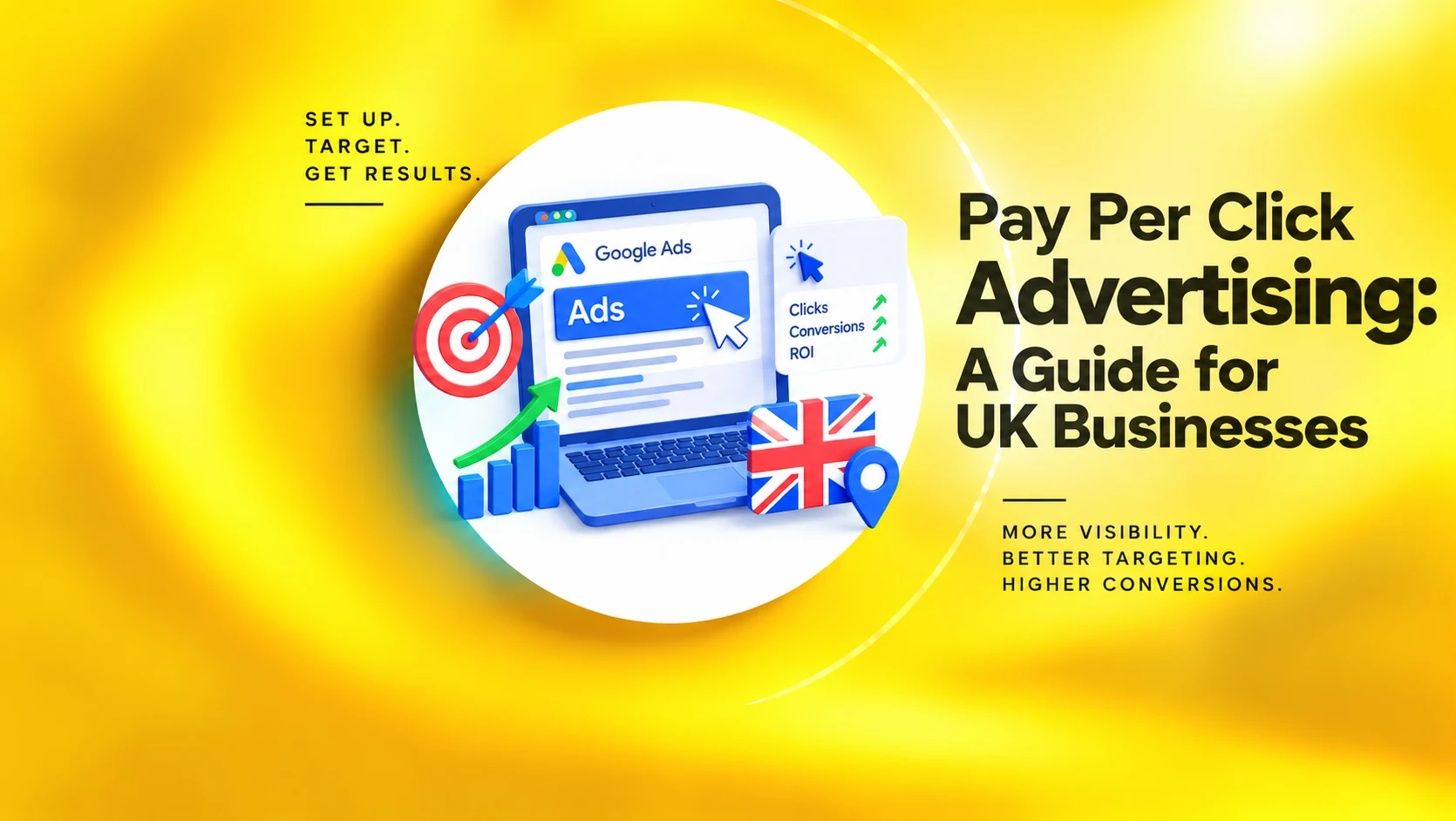
    Pay Per Click Advertising: A Guide for UK Businesses

    You’ve spent money on ads. People are clicking. Google says your campaign is getting traffic, but your inbox is still quiet. At some point, you have to ask: what exactly are you paying for?

    Pay per click advertising can bring potential customers to your website without waiting for organic rankings to improve. But there’s a difference between buying website visits and winning new business. The second one takes a bit more work.

    Here’s what you need to know about PPC, from choosing keywords to figuring out whether your money is being well spent.

    Key Takeaways

    • Pay-per-click advertising gives your business a chance to appear in front of people who are already searching for products or services like yours.
    • You don’t need to throw a huge budget at PPC to get started. What matters is choosing the right keywords, reaching the right people, and spending your money where it has a real chance of bringing in customers.
    • Google Ads isn’t the only option. Depending on your audience and goals, platforms like Microsoft Advertising, LinkedIn, and Meta could be worth exploring too.
    • Getting clicks is one thing. Knowing whether those clicks turn into enquiries, sales, or actual customers is what really matters.

    What Is Pay-Per-Click Advertising?

    Pay-per-click advertising, or PPC, is pretty much what it sounds like. Someone clicks your ad, and you pay for that click under a CPC pricing model.

    Say you run a plumbing business in Leeds. Someone searches for “emergency plumber Leeds” because they’ve got a leak and need help. Your business could appear in Google’s sponsored results, right when that person is looking for a plumber.

    That’s the appeal of PPC. You’re not necessarily trying to convince someone they need your service. They may already need it.

    Getting your ad into those results isn’t as simple as bidding more than everyone else, though. Google considers your bid, ad quality, relevance, and other factors when deciding which ads appear and in what order.

    And here’s something worth thinking about: if your ad promises emergency plumbing but sends visitors to a page about every service you offer, you’ve made the customer do extra work. Some will stick around. Others will leave.

    The click costs money either way.

    PPC vs SEM vs SEO: What’s the Difference?

    You’ll often see these three terms used together, sometimes as if they mean the same thing. They don’t.

    PPC: Paid advertising where you pay for clicks under a CPC model.

    SEO: Work that helps your website appear in organic search results.

    SEM: A term used for paid search by some marketers and for search marketing more broadly by others.

    Think of it this way. A Manchester business can use PPC to advertise its services on Google while working on SEO to improve its organic visibility.

    One doesn’t cancel out the other. PPC needs advertising spend to maintain paid visibility; SEO takes ongoing work and time, with no guaranteed rankings. Depending on the business, using both may make more sense than relying on just one.

    Why Do Businesses Use PPC?

    The biggest draw is timing. If someone searches for a service you offer, your ad could appear before they’ve even scrolled through the organic results.

    For businesses trying to generate enquiries, that opportunity is worth exploring. But PPC has a few other uses, too.

    • Reach relevant searches: A local electrician can target people looking for electrical services in the areas it covers.
    • Control spending: Set campaign budgets and choose how bids are managed.
    • Test offers: Compare different messages, headlines and landing pages to find out what gets a response.
    • Track results: Measure clicks, enquiries, purchases and acquisition costs when tracking is configured properly.
    • Support other marketing: Run paid campaigns while building organic visibility or reconnect with eligible previous visitors through remarketing.

    There’s a catch, naturally. A campaign can tick every setup box and still bring in poor-quality leads. If the targeting is off or the offer doesn’t match what people want, the budget can disappear without much to show for it.

    How to Plan a PPC Campaign

    Before you start choosing keywords, decide what you actually want from the campaign. More traffic isn’t much of a goal if what your business needs is five good sales enquiries a week.

    Start with the right keywords

    Imagine you’re running a commercial cleaning company in Bristol.

    Someone searching for “what is commercial cleaning” might be doing research. Someone searching for “commercial cleaning company Bristol” could be looking for a provider.

    The second search may be more useful for generating enquiries, though you can’t know a person’s intentions from a keyword alone.

    Choose terms that fit your services, then check the search terms report in your advertising account. You may find that your ads are appearing for searches you never intended to target.

    That’s where negative keywords help. If your business sells paid training, for instance, you might exclude “free courses” when those searches aren’t relevant to your offer. Just check carefully before excluding terms; some searches can be more useful than they first appear.

    Work out what a click is worth

    Let’s use a simple example. You spend £1,200 on ads, with an average CPC of £3. That’s around 400 clicks if the whole budget is spent at that average price.

    If 5% of those visitors become leads, you get 20 enquiries. Each lead has cost you £60 in advertising spend.

    Those numbers are hypothetical, not UK industry averages. And £60 per lead doesn’t tell you whether the campaign is good or bad.

    If most of those leads become valuable customers, the cost might be reasonable. If hardly anyone buys, even a seemingly affordable campaign could be wasting money.

    Look at what happens after the enquiry. That’s where the real answer lies.

    Don’t neglect the landing page

    You don’t need a complicated website to run PPC, but the page people land on has a job to do.

    If your ad promotes office cleaning in London, show visitors the office cleaning service, the areas you cover, and how they can request a quote. Don’t make them click through three other pages to find it.

    It’s a small detail that can easily get overlooked when everyone’s busy adjusting bids and writing new ads.

    Which PPC Platforms Can You Use?

    Google isn’t the only option. The question is whether another platform can reach the people you’re trying to attract.

    Google Ads

    Google Ads is a common starting point for search campaigns. Businesses can also use shopping, display, and video formats, depending on their objectives.

    Microsoft Advertising

    Microsoft Advertising offers search advertising across Microsoft’s network, including Bing. It may be worth testing if your audience uses those services. Compare the leads and sales you get rather than assuming it’ll be cheaper.

    Meta Ads

    Meta Ads cover Facebook and Instagram. Image ads, videos, and carousels can help businesses showcase products, promote offers, or generate enquiries. These campaigns can reach people who aren’t actively searching for a service.

    LinkedIn Ads

    LinkedIn Ads is worth considering for B2B businesses. You can target professional audiences using options such as job title, industry, and company characteristics. The cost of reaching that audience needs to make sense for your business.

    TikTok and YouTube Ads

    TikTok and YouTube Ads offer video-led advertising. They can work well for products or services that benefit from a demonstration, but plenty of views don’t automatically mean more sales.

    You don’t have to be on every platform. Start where your audience is most likely to respond, then expand if the numbers justify it.

    What Types of PPC Ads Are Available?

    The format depends on what you’re advertising and where you want people to see it.

    • Search ads: Text ads that appear for relevant search queries.
    • Display ads: Visual ads shown on eligible websites and apps.
    • Shopping ads: Product listings that can include images and prices.
    • Video ads: Ads delivered through platforms such as YouTube.
    • Paid social ads: Sponsored posts, images, videos, and carousels on social platforms.

    Remarketing ads: Ads shown to eligible audiences who have previously interacted with your business, subject to platform rules and privacy requirements.

    These formats don’t all use the same pricing model. Some campaigns use CPC bidding; others optimise for views, impressions or conversions.

    Choose the format based on the job you need it to do. A retailer promoting products and a solicitor trying to generate consultation enquiries won’t necessarily need the same approach.

    How Do You Know If Your PPC Campaign Is Working?

    A busy dashboard can be reassuring. It can also be misleading.

    You might have a high click-through rate and plenty of website visitors, but if nobody enquires, something isn’t working. These metrics help you investigate:

    MetricWhat it tells you
    Click-through rate (CTR)How often people click after seeing an ad
    Cost per click (CPC)Average cost of a click
    Conversion ratePercentage of visitors completing a desired action
    Cost per lead (CPL)Advertising spend per lead
    Cost per acquisition (CPA)Cost of acquiring a customer or defined conversion
    Return on ad spend (ROAS)Attributed revenue compared with advertising spend

    Say you spend £1,000 and generate £4,000 in attributed revenue. That’s a 4:1 ROAS. It sounds good, but it isn’t £3,000 in profit. You still have product costs, fulfilment and other expenses to consider.

    For lead generation, look beyond the form submission. Did the person respond when your team followed up? Were they a suitable prospect? Did they become a customer?

    Google Ads conversion tracking and Google Analytics 4 can help you measure what happens after a click. If your sales process takes weeks, connecting advertising data to your CRM can give you a better picture of which campaigns bring in paying customers.

    When results disappoint, resist the urge to change everything at once. Check the search terms, landing page, and quality of enquiries first. Otherwise, you might end up fixing the wrong problem.

    Where Can You Learn More About PPC?

    Advertising platforms change, and campaign settings that worked well before may need reviewing.

    Google’s Ads Help Centre covers campaign setup, bidding and measurement. Microsoft’s advertising resources explain its platform and available tools.

    Your own results matter, too. Keep an eye on the searches bringing in leads, the ads attracting suitable visitors and the pages where people drop off.

    If you’re managing several campaigns and struggling to keep up, a PPC agency can help with strategy, setup, tracking and ongoing management.

    Final Thoughts

    Pay-per-click advertising can help UK businesses reach people who are already looking for what they offer. But paying for visibility doesn’t guarantee paying customers.

    Get the targeting wrong, send people to an unhelpful page, or fail to track conversions, and it’s difficult to know what your money is achieving.

    Start with a clear goal, watch what happens after each click, and use actual sales data to guide your decisions. You don’t need a complicated campaign. You need one that makes sense for your business.

    At Xparro, we help businesses connect digital marketing activity with commercial goals.

    Looking to improve your paid campaigns? Explore Xparro’s digital marketing services to discuss an approach that fits your business.

    FAQs

    What is PPC?

    PPC stands for pay-per-click. It’s an online advertising model in which advertisers pay when someone clicks an ad.

    Is PPC suitable for small businesses in the UK?

    It can be. Small businesses can target specific services, locations and audiences, but the budget needs to make sense for the value of the customers they acquire.

    How long does PPC take to work?

    Ads can start appearing once approved and ready to run. Finding out whether they’re generating profitable business takes longer and depends on competition, conversion data, and your sales cycle.
  • On Page SEO: Complete Guide to Better Rankings

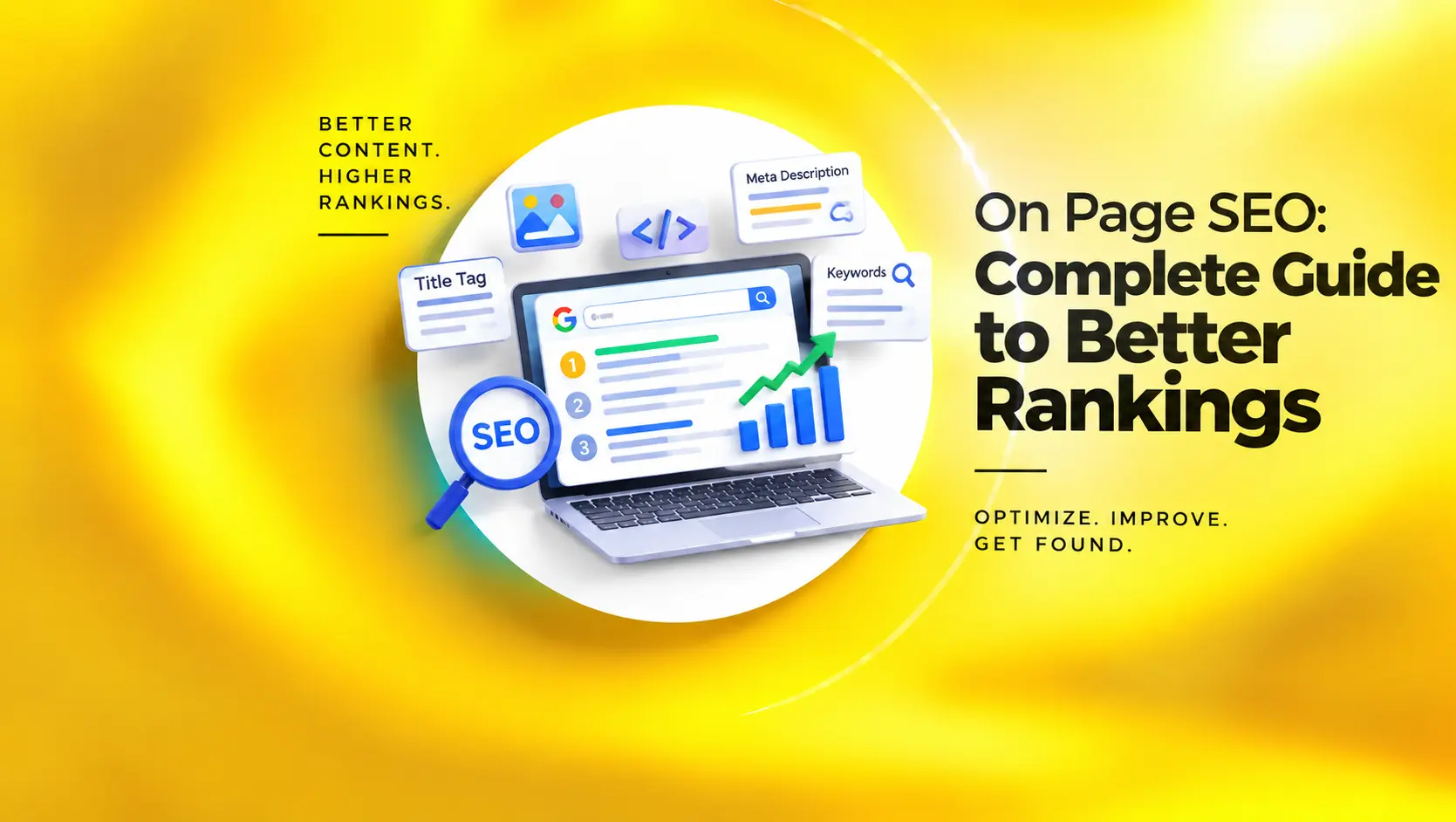
    On Page SEO: Complete Guide to Better Rankings

    You can have a technically sound website, publish useful content and still watch your pages sit stubbornly on page two of Google.

    Often, the problem is closer to home.

    Your page may not be making its topic, purpose or relevance clear enough. The title might be vague. The content may target the wrong search intent. Important pages might be buried three clicks deep. Or the copy may contain all the “right” keywords without actually answering what the searcher came looking for.

    That is where on page SEO comes into play.

    Key Takeaways

    • Start with the search, not the keyword. Understand what people in the UK actually want when they make a particular search, then build the page around that intent.
    • Get the page fundamentals right. Titles, headings, URLs, content, internal links, images and metadata all contribute to how clearly a page communicates its subject.
    • Make the page genuinely useful. Strong on-page SEO also means readable content, sensible navigation, mobile usability and good Core Web Vitals.
    • Keep improving what already exists. Search Console data can show where pages are getting impressions but missing clicks, or attracting visitors without generating meaningful business results.

    What Is On-Page SEO?

    So, what is on-page SEO, exactly?

    It is the work you do on an individual webpage to help search engines understand its content and help visitors find what they need.

    That includes the obvious things, such as your copy, title tag and headings. It also covers less visible elements such as internal links, image alt text, URL structure, structured data and aspects of technical page experience.

    Semrush groups areas such as content, title tags, headings, URLs, internal linking and image optimisation within on-page SEO.

    The important bit is that these elements shouldn’t be treated as isolated boxes on an SEO checklist.

    Take a UK business selling accounting software.

    A page targeting “accounting software for small businesses UK” needs more than those words scattered across the page. It should address the needs of that audience, explain relevant features, reflect the UK market and give visitors a clear next step.

    That is what good on-page optimisation looks like in practice.

    1. Get the Search Intent Right Before Touching the Copy

    This is where many optimisation jobs go slightly off the rails.

    A keyword gets added to a content brief, a writer produces 1,500 words around it, a few headings are created, and the page goes live.

    But what does the searcher actually want?

    Consider the difference between “What is local SEO?” and “Local SEO agency London” They are both SEO-related searches, but they represent completely different situations.

    The first person is looking for information. The second could be comparing agencies, checking services or preparing to make an enquiry.

    The page should reflect that difference.

    Before writing or rewriting a page, look at the search results themselves. Is Google showing guides, service pages, category pages, product pages or local businesses? What topics keep appearing? Are there featured snippets or People Also Ask questions? What information do the pages ranking well tend to cover?

    The SERP gives you a useful clue about what Google believes satisfies the query.

    From there, decide what the page needs to do. For an informational query, that could mean explaining a concept clearly and thoroughly. For a commercial query, visitors may need pricing information, services, case studies, expertise and evidence before they are ready to enquire.

    Google’s own guidance puts the emphasis on helpful, reliable, people-first content rather than pages created primarily to manipulate search rankings.

    That distinction matters. Write for the reason behind the search, not just the words in it.

    1. Give Google Clear Signals About What the Page Is About

    Once the intent is sorted, look at the page itself. Your title needs to earn the click The title tag is one of the first things a searcher sees in the results.

    Compare “SEO Services | Xparro” with “SEO Services for UK Businesses | Xparro”. The second gives considerably more context. It tells the searcher what the page offers and who it is aimed at. 

    Google recommends titles that are descriptive, concise and unique rather than vague or repetitive.

    Don’t try to cram every variation of a keyword into the title. One clear, relevant title is usually far more useful than something that reads like a keyword list.

    Use headings to organise the page

    Your H1 should make the main subject obvious. Then use H2s and H3s to break the subject into sensible sections.

    For example:

    • H1: SEO Services for UK Businesses
    • H2: What Our SEO Services Include
    • H2: Our SEO Process
    • H3: Technical SEO
    • H3: Content Optimisation
    • H3: Digital PR and Link Building

    This isn’t about hitting a magical heading formula. It is about making the page easy to understand. Someone should be able to skim your headings and know roughly what the page covers.

    Put keywords where they make sense

    Your primary keyword should appear naturally in important areas such as the title, H1, introduction and relevant headings.

    But don’t turn the copy into SEO services UK businesses need from an SEO services UK agency providing SEO services in the UK… Search engines don’t need that.

    Google recommends using the words people would search for in prominent locations, while its broader guidance stresses useful content written for people.

    Use related terminology naturally. If you’re writing about technical SEO, terms such as crawling, indexing, canonicalisation, JavaScript rendering, XML sitemaps and robots.txt may belong on the page because they are genuinely relevant to the subject.

    That’s topical relevance, not keyword stuffing.

    Keep URLs boring

    Boring is good here.

    /seo-services-uk/ is easier to understand than /services/digital-solutions/seo-service-page-2/

    A clean URL tells users and search engines what they’re looking at without making them decode it.

    1. Improve the Page Beyond the Words

    Great copy won’t rescue a frustrating webpage. There are several other pieces of the on-page puzzle worth checking.

    Internal links should have a purpose

    Internal linking is often treated as an afterthought: publish a blog, add three links, move on. Instead, think about how your pages relate to each other.

    A blog explaining “what is technical SEO?” could naturally link to a technical SEO service page. A page about local SEO could point readers towards relevant local SEO services or a guide to Google Business Profile optimisation. The link should make sense to someone reading the page.

    Google also recommends descriptive link text because it helps users and search engines understand the destination.

    “Read more” tells the reader very little. “Explore our technical SEO services” tells them exactly what they are clicking.

    Don’t forget images

    Images can make a page easier to understand, but they can also become dead weight if they are unnecessarily large.

    Use appropriately sized images, modern formats where practical and descriptive alt text when the image conveys useful information.

    Alt text isn’t a secret place to hide five keywords.

    If the image shows an SEO specialist analysing a Search Console report, something like “SEO specialist reviewing Google Search Console performance data” is considerably more useful than “best SEO services UK SEO agency SEO”.

    Watch Core Web Vitals

    Page experience has measurable technical components.

    Google’s Core Web Vitals currently focus on:

    • LCP: 2.5 seconds or less
    • INP: 200 milliseconds or less
    • CLS: 0.1 or less

    These are assessed at the 75th percentile across mobile and desktop experiences.

    In plain English, users shouldn’t have to stare at a blank screen waiting for the main content, wonder why a button isn’t responding or watch the page jump around while it loads. A technically healthy page gives your content a better environment to do its job.

    1. Don’t Treat On-Page SEO as a One-Time Job

    Here’s the part that gets overlooked. You publish a page, it gets indexed, you check the ranking once or twice, then everyone moves on.

    Meanwhile, the search results change. Competitors improve their pages. Your business launches new services. Search behaviour shifts. Your page might start appearing for queries you never originally targeted. That data is useful.

    Google Search Console can show which queries are generating impressions and clicks, along with metrics such as CTR and average position.

    Suppose a service page gets 20,000 impressions but only 300 clicks. That doesn’t automatically mean the page needs more content. 

    The title and search snippet might need work.

    Now imagine another page is sitting around positions 8–15 for several closely related commercial queries. That could be a much more interesting optimisation opportunity. Perhaps the page needs better intent alignment, stronger internal links, clearer topical coverage or a more useful structure.

    Look at the evidence before changing the page, and don’t judge success by rankings alone.

    For a commercial website, the useful questions are bigger:

    • Is the page attracting the right people?
    • Are visitors moving towards an enquiry or purchase?
    • Is organic traffic contributing to revenue?

    A page ranking highly for an irrelevant informational query isn’t necessarily doing much for the business.

    SEO should eventually connect to something beyond a position number.

    An On-Page SEO Checklist Worth Actually Using

    Before publishing or refreshing a page, check:

    • uncheckedDoes the page satisfy the search intent?
    • uncheckedIs the primary keyword naturally present in important locations?
    • uncheckedIs the title specific and unique?
    • uncheckedDoes the H1 clearly describe the page?
    • uncheckedAre the H2s and H3s logically organised?
    • uncheckedIs the URL short and descriptive?
    • uncheckedDoes the content answer the questions users actually have?
    • uncheckedAre internal links relevant and descriptive?
    • uncheckedAre images properly sized and given useful alt text?
    • uncheckedDoes the page work properly on mobile?
    • uncheckedAre Core Web Vitals within Google’s recommended thresholds?
    • uncheckedIs structured data relevant and correctly implemented?
    • uncheckedAre Search Console and analytics being used to assess performance?

    Structured data can also help Google understand certain types of content and can make eligible pages suitable for enhanced search appearances.

    Final Thoughts

    Good on-page SEO is less about finding a secret ranking trick and more about removing confusion.

    The searcher should understand what the page offers. Google should understand what the page is about. The structure should make sense. Important pages should connect to one another. And the experience shouldn’t get in the user’s way.

    That sounds straightforward.

    Doing it properly across an entire website is where the real work begins.

    For UK businesses competing for valuable search terms, that work can mean the difference between having content that merely exists and having pages that attract the right searches, earn clicks and support real business goals.

    Need help turning your website into a stronger organic search channel? Xparro can help. From technical on-page improvements and content optimisation to internal linking and search intent mapping, our SEO approach is built around making every page work harder for your business.

    Explore Xparro’s SEO services and start building a website that is easier to find, easier to understand and easier to convert.

    FAQs

    1. What is on-page SEO?

    It’s the process of improving the things on your website that you can control, from content and headings to links, images and page structure.

    1. What are some effective on-page SEO techniques?

    Start with search intent, then work on your titles, headings, keywords, internal links, content quality, images and page speed. The goal is to make the page genuinely useful, not just keyword-heavy.

    1. How often should I update my on-page SEO?

    There’s no magic schedule. Keep an eye on your rankings, traffic and Search Console data, and refresh pages when performance drops or the search intent changes.

  • Google Search Console: How to Set It Up and Use It for SEO

    Google Search Console: How to Set It Up and Use It for SEO

    You can spend weeks publishing content and fixing your website, only to wonder why Google isn’t sending enough people your way. The problem isn’t always your content. Sometimes, you simply don’t have enough visibility into what Google is actually doing with your site.

    Google Search Console (GSC) gives you that visibility for free. It shows how your website performs in Google Search, which queries bring people to your pages, whether important URLs are indexed, and where technical problems could be holding your SEO back.

    For UK businesses, it can turn vague SEO concerns into specific things you can investigate and fix.

    Key Takeaways

    • Website Verification and Configuration using Google Search Console involves the process of verifying a website, setting up a property, and submitting a sitemap in order to create an explicit relationship between the website and Google Search.
    • Information about search performance shows the searches and pages that have led to the visibility of the website within the UK.
    • Issues in indexing and URL reports can show the pages that Google cannot index.
    • Search Console information could be used in order to improve the website’s content and SEO efforts.

    What Is Google Search Console?

    Google Search Console is a free tool from Google that allows website owners to analyze and resolve the problems associated with their sites’ presence on Google Search.

    It will provide you with statistics on the performance of your website, its indexing, and technical visibility on search engines. You can see the queries that trigger your pages, how many impressions and clicks they generate, your click-through rate (CTR), and your average position.

    It also gives you tools for inspecting individual URLs, submitting sitemaps, and identifying pages Google has struggled to index.

    Think of it as a direct line into how Google sees your website.

    How to Set Up Google Search Console

    Setting up GSC is fairly straightforward.

    1. Open Google Search Console

    Access Google Search Console and sign in with the Google account that will be used to manage the website.

    1. Add your property

    Google offers two types of properties to add:

    A domain property includes the whole domain, regardless of the protocols used and subdomains. URL-prefix property includes URLs starting with the same prefix.

    If you are managing the whole domain, it is beneficial to choose the Domain property due to more coverage.

    1. Verify ownership

    In order to verify that you own your website and provide access to the search data in Google, you should prove it somehow.

    The process of confirming your ownership for a Domain property can be done via the DNS record. For URL-prefix properties, there are other ways available, includingan  HTML file and tag, Google Analytics, and Google Tag Manager.

    Select the way that works for your website’s technical structure, rather than adding extra code.

    1. Submit your sitemap

    After verification, go to Sitemaps in Search Console and submit your XML sitemap.

    For example:

    https://www.example.co.uk/sitemap.xml

    A sitemap will help Google find important URLs. Google also recommends using sitemaps when you need to communicate groups of new or updated pages rather than submitting large numbers of individual indexing requests.

    And remember, a sitemap isn’t a guarantee that every URL will be indexed.

    How to Use Google Search Console for SEO

    Setting up GSC takes minutes. Getting useful SEO information from it is where things get interesting.

    1. Use Performance Data to Find Real Search Opportunities

    The Performance report is one of the most valuable parts of Google Search Console.

    It shows:

    • Clicks – how many times users clicked your search result
    • Impressions – how often your result appeared
    • CTR – the percentage of impressions that resulted in clicks
    • Average position – the average position of your site’s results

    You can also break the data down by queries, pages, countries and devices.

    For a UK business, use the Country filter and select United Kingdom when you want to analyze UK search visibility rather than mixing it with international traffic.

    Look for the low-hanging fruit.

    Suppose one of your service pages receives 12,000 impressions but only 180 clicks. That’s a 1.5% CTR.

    Rather than immediately creating another page, investigate why the existing page is getting visibility without attracting enough clicks.

    Check:

    • Search intent
    • Page title
    • Meta description
    • SERP competition
    • Content relevance
    • Whether the page actually answers the query

    Google specifically recommends using Performance data to identify queries with high impressions and low CTR as potential optimization opportunities.

    You can also look for keywords where your pages are sitting around positions 8–20. These pages already have visibility, so improving relevance, internal linking, and on-page optimization may be more useful than starting from scratch.

    1. Check Whether Google Can Actually Index Your Pages

    Here’s an easy SEO mistake to make.

    You publish a page. you wait, and nothing happens. Before rewriting the entire thing, check whether Google has actually indexed it.

    This is when URL inspection comes in.

    Enter the full URL into Search Console, and Google will provide you with information on its indexed page, such as indexing status, canonical URLs, and other useful search-related information. Also, you can perform a live test to see if the current page is indexable.

    In case you have made any changes to an important page, you may request its indexing.

    Still, it doesn’t mean you should use this feature as a magic “rank now” button. According to Google, there is no guarantee that your request will lead to indexing of your website.

    What should you check?

    For an important page, look at:

    • Whether the URL is indexed
    • Whether Google can crawl it
    • The selected canonical URL
    • Any indexing errors
    • Whether the live page differs from Google’s indexed version

    This can quickly separate a content problem from a technical SEO problem.

    1. Use Page Indexing to Find Technical Problems

    The Page Indexing report gives you a wider view of which URLs Google has attempted to crawl and which ones have been indexed.

    But here’s something important: not every non-indexed URL is a problem. Google may intentionally exclude duplicate URLs, pages with a noindex directive, redirected URLs, or other pages that shouldn’t appear in Search.

    The goal isn’t to force your website to achieve 100% indexing. The goal is to make sure your important, canonical pages are indexed.

    For example, if your website has 800 URLs but your key service pages, category pages, and useful blog content are indexed, while duplicate filter URLs are excluded, that’s not necessarily an SEO emergency.

    Look at the reason behind the exclusion.

    If an important page is excluded because of a noindex directive you didn’t intend to use, that’s worth fixing. If it is excluded because it is a duplicate of another canonical page, that’s probably expected. This is why reading the reason behind the status matters more than staring at the total number.

    1. Use GSC to Understand What Your Audience Actually Searches

    Keyword research doesn’t stop once a page is published.

    Search Console can show you the queries for which your website is already appearing. And sometimes, those queries aren’t the ones you originally targeted.

    A UK digital marketing agency might create a page targeting “SEO services London”, only to discover that the same page is also generating impressions for searches around technical SEO, local SEO and SEO audits.

    That’s useful information.

    It can help you decide whether to:

    • Expand the existing page
    • Create a dedicated supporting page
    • Build an internal link
    • Create a new content cluster
    • Adjust the page’s search intent

    Search Console’s Performance report lets you sort queries by clicks, CTR, or impressions, making it easier to identify both established traffic drivers and emerging opportunities.

    In other words, don’t use GSC simply to ask “What am I ranking for?” Ask “What is Google already giving me visibility for, and what can I do with that information?”

    Google Search Console vs GA4

    GSC and GA4 are often mentioned together, but they answer different questions.

    Google Search Console – How are people finding my website through Google?

    Google Analytics 4 – What are those visitors doing once they arrive?

    GSC can show that a UK service page generated 5,000 impressions and 150 clicks. GA4 can help you understand what happened after those visitors landed on the site. That distinction matters.

    If organic traffic is increasing but leads aren’t, the problem may not be your search visibility. It could be the landing page, user experience, offer, or conversion journey.

    Using GSC and GA4 together gives you a much clearer view of the entire journey.

    Is Google Search Console Good for SEO?

    Yes, but its value depends on how you use the data. GSC doesn’t write your content, build your backlinks, or automatically improve your rankings.

    What it does provide is first-party Google Search data that helps you make those SEO decisions with considerably more context.

    It can be used to:

    • Identify high impression/low CTR opportunities
    • Discover which keywords are getting impressions from existing content
    • Ensure that key pages do not have any indexing issues
    • Track organic search trends
    • Analyze any unusual spikes in the number of clicks and impressions
    • Evaluate performance in the UK market
    • Verify SEO fixes

    Google suggests that you monitor the Performance and Page Indexing reports for any possible changes.

    Make Your Search Data Work Harder

    Google Search Console isn’t just another dashboard to check once a month.

    Used properly, it can tell you which pages are gaining visibility, which queries are creating opportunities, and where technical issues may be getting in the way.

    For UK businesses serious about organic growth, that information can shape everything from content strategy and technical SEO to CTR optimization and internal linking.

    At Xparro, we turn that search data into practical SEO strategies built around visibility, traffic and business goals.

    Want to know what your Google Search Console data is really telling you? Talk to Xparro.

    FAQs

    What is Google Search Console used for?

    Google Search Console is for tracking your website’s presence on Google Search. The tool offers information on search performance, along with tools to audit crawling, indexing, and URL-level issues.

    What is GSC and GA4?

    GSC is Google Search Console and relates to Google Search presence. GA4 is all about user activity on the website after visiting it.

    Is Google Search Console good for SEO?

    Yes, it does offer important first-party search data which may help you find some SEO opportunities, problems with indexing, and changes in traffic or content performance.

    How can I check my SEO ranking?

    Just open the Performance report on GSC and choose Average position. Then, you can filter the data by query, URL, country, or device.

    What is Google Search Console?

    Google Search Console is Google’s free platform for monitoring, troubleshooting, and understanding a website’s presence in Google Search.

  • Top 10 PPC Services in UK to Grow Your Business

    Top 10 PPC Services in UK to Grow Your Business

    You can spend thousands on Google Ads and still wonder where the money went.

    That’s the problem with PPC. Getting ads in front of people is relatively easy. Getting the right people to click, convert and become customers is where things get complicated.

    And the UK market is not exactly quiet. Search advertising made up 44% of the UK’s total digital ad spend in 2025, with £17.9 billion spent on search, according to IAB UK and Oliver Wyman.

    So if you’re looking for PPC services in the UK, you need an agency that does more than set up campaigns and send you a monthly report full of charts.

    Here are 10 PPC agencies worth considering,

    • 10 PPC agencies worth knowing in the UK, with Xparro at the top and a quick look at what each one brings to the table.
    • What a PPC agency actually does, from keyword research and bidding to conversion tracking and campaign optimisation.
    • What PPC management can cost in the UK, including typical pricing models and what you’re really paying for.
    • A practical checklist for choosing an agency, so you know what to ask before handing over your ad budget.

    10 Best PPC Agencies in the UK

    There isn’t one agency that can honestly be called the “best” for every business. Your budget, industry, goals and existing ad account all make a difference.

    That said, these PPC companies are worth putting on your shortlist.

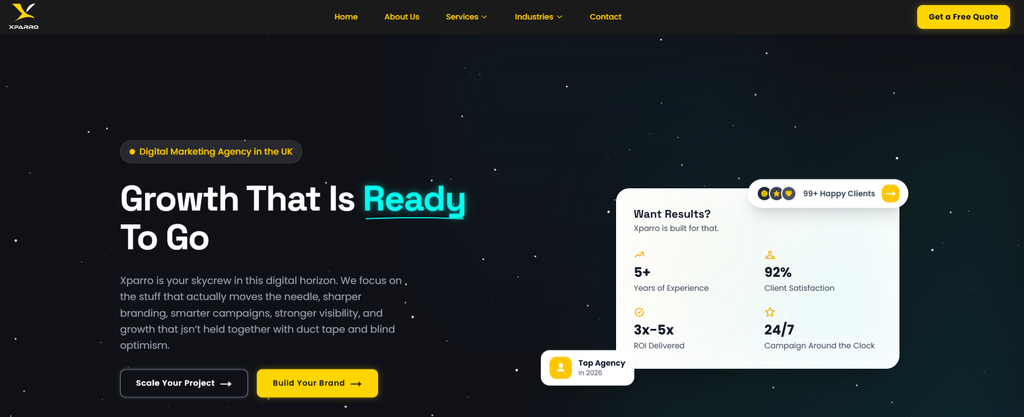
    1. Xparro

    Best for: Businesses looking for performance-focused PPC

    Xparro takes a straightforward approach to PPC: the ads need to do something useful for the business.

    That means looking beyond clicks and asking what happens after someone lands on the website. Are they filling in the form? Buying the product? Booking a call? And, more importantly, are those conversions worth the money being spent to get them?

    Xparro’s PPC services can cover everything from keyword research and campaign structure to ad copy, bid management, conversion tracking and ongoing optimisation.

    There is also plenty of room for the technical side of PPC. Proper tracking through tools such as GA4 and Google Tag Manager, along with Enhanced Conversions and offline conversion data where appropriate, can give campaigns much better signals to work with.

    This matters because the UK search market is crowded. When £17.9 billion is being spent on search advertising, simply “running Google Ads” isn’t much of a strategy.

    For businesses that want their PPC activity tied closely to leads, sales and revenue, Xparro is a strong place to start.

    1. Found
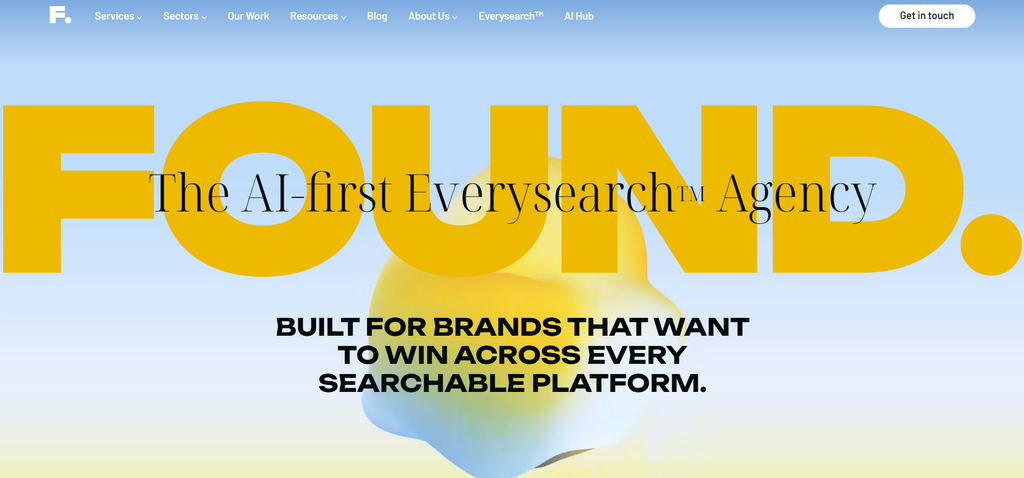
    Found

    Found is a London-based digital agency covering PPC, SEO, paid social and wider performance marketing.

    Its PPC work covers areas such as paid search, shopping and paid media strategy. The agency has worked across sectors including ecommerce, B2B, travel and hospitality.

    It is a sensible option for brands looking for PPC alongside other digital marketing services rather than treating paid search as a completely separate channel.

    1. Propeller

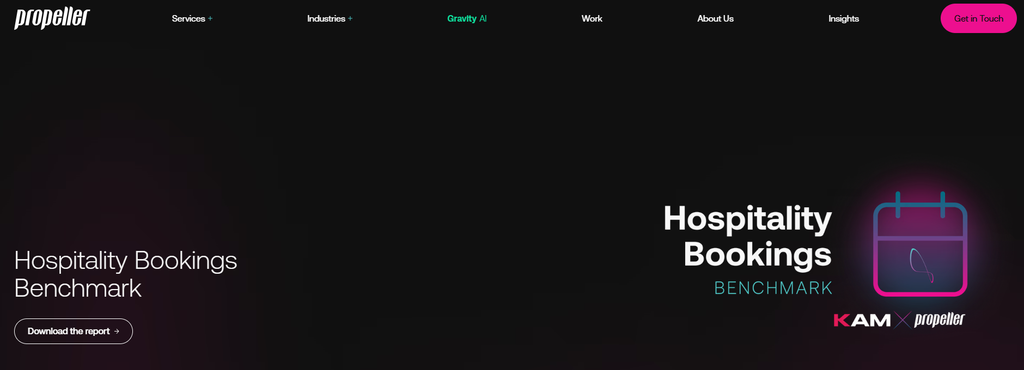
    Propeller has built experience around industries including hospitality, food and drink, ecommerce and lifestyle brands.

    Its PPC offering sits alongside its wider digital marketing services. That can be useful for consumer brands where paid search needs to work alongside content, SEO and social campaigns.

    1. CEEK Marketing
    CEEK Marketing

    CEEK offers PPC alongside SEO, social media, content marketing and other digital services.

    For smaller businesses and growing brands, having several marketing services under one roof can be useful. Instead of looking at paid search in isolation, the agency can work across different parts of the acquisition journey.

    1. Impression
    Impression

    Impression is a digital marketing agency based in the United Kingdom that specialises in all aspects of paid search, paid social, SEO, analytics, and digital strategy.

    Their PPC services include Google AdWords and Google Shopping campaigns, along with a heavy focus on testing and performance data-driven decision-making.

    They are an excellent option for businesses with more complex paid media campaigns.

    1. Jellyfish
    Jelly Fish

    Jellyfish is one of the larger names on this list, with teams working across multiple countries and digital disciplines.

    Its PPC and paid media capabilities sit alongside areas such as analytics, technology and the Google Marketing Platform.

    That broader setup makes it more suited to larger businesses and brands managing campaigns across several markets.

    1. Journey Further
    Journey Further

    Journey Further specialises in performance marketing, including paid search and paid media.

    The agency places a lot of emphasis on experimentation, technology and first-party data.

    For businesses with established PPC accounts that want to test new approaches rather than simply maintain what is already running, it is worth considering.

    1. Hallam
    Hallam

    Hallam combines PPC with SEO, digital strategy, data and technology services.

    Its paid media approach focuses on generating conversions rather than treating traffic as the end goal. That wider digital capability can be useful when paid search is just one part of a larger acquisition strategy.

    1. Brave Bison
    Brave Bison

    Brave Bison works across media, marketing and technology, with paid media forming part of its wider offering.

    Its work combines audience data with paid campaigns, making it an option for brands that want PPC connected with social, content and other digital activity.

    1. Beyond

    Beyond approaches PPC as part of a broader digital growth strategy.

    Other than paid search, the company provides services in areas like digital experience, creative and strategy.

    What Does a PPC Agency Actually Do?

    The simple answer? It manages your paid advertising.

    The useful answer is a little longer.

    A good PPC agency will usually get involved in things such as:

    • Finding keywords that match real buying or search intent
    • Building campaigns and ad groups
    • Writing and testing ad copy
    • Adding negative keywords
    • Managing bids and budgets
    • Running Google Shopping or Performance Max campaigns
    • Tracking conversions
    • Reviewing search-term data
    • Testing landing pages
    • Analysing CPA, ROAS and conversion rates
    • Reporting on what is and isn’t working

    The technical side can make a surprisingly big difference.

    Google’s Enhanced Conversions, for example, uses hashed first-party customer information to improve the accuracy of conversion measurement and give Google’s bidding systems stronger data.

    For lead-generation businesses, there’s another useful step: sending information about what happens after the lead comes in. If a £20 lead turns into a £5,000 customer while another £20 lead goes nowhere, your PPC strategy should know the difference.

    That is why good PPC management is not just about getting more clicks. It is about feeding better information back into the campaigns.

    How Much Do PPC Agencies Charge in the UK?

    This is one of those questions where the honest answer is: it depends.

    PPC agencies usually charge in one of four ways:

    • A fixed monthly fee
    • A percentage of your ad spend
    • A combination of both
    • A one-off setup fee plus ongoing management

    Published UK pricing guides for 2026 put PPC management anywhere from around £300 to £5,000+ per month, depending on the account and level of service. Some agencies publish packages starting at around £750 per month.

    And don’t confuse the management fee with your Google Ads budget.

    If an agency charges £1,000 a month and you spend £5,000 on ads, your total monthly PPC investment is £6,000.

    Before signing anything, ask what you’re actually getting for the management fee. Does it include conversion tracking? Landing-page recommendations? Search-term reviews? Shopping feed management? Regular testing?

    A cheaper agency isn’t necessarily cheaper if poor optimisation causes you to waste thousands in ad spend.

    How to Choose the Best PPC Agency for Your Business

    Before you choose from the many PPC agencies UK businesses have access to, ask a few simple questions.

    What will you actually optimise for?

    If the answer is “more clicks”, keep looking.

    Your agency should understand whether the real goal is online sales, qualified leads, bookings, revenue or something else.

    How will you track conversions?

    Ask whether they work with GA4, Google Tag Manager, Enhanced Conversions and offline conversion tracking where appropriate.

    If the tracking is wrong, everything built on top of it becomes questionable.

    How often will you optimise the campaigns?

    PPC isn’t something you set up on Monday and forget about until the next invoice.

    Search terms change. Competitors change their bids. CPCs move. Google changes its products. Your own conversion data changes.

    Your account needs regular attention.

    Who is managing the account?

    Ask who will actually work on your campaigns. You don’t necessarily need a huge team. You need people who understand the account and know why they’re making changes.

    Can they explain the numbers in plain English?

    A good PPC report shouldn’t leave you staring at a spreadsheet wondering what any of it means.

    You should know what happened, why it happened and what the agency plans to do next.

    Bottom Line

    The right PPC agency should do more than bring clicks. It should help you understand where your money is going, what’s working, and what needs to change.

    If your Google Ads are spending but not delivering the leads or sales you expected, it may be time for a different approach.

    Xparro can help. From keyword research and campaign setup to conversion tracking, bidding and ongoing optimisation, we focus on turning your ad spend into results that actually matter.

    Whether you’re launching a new campaign or trying to fix an underperforming account, let’s talk.

    Ready to get more from your PPC budget? Get in touch with Xparro today.

    FAQ

    What is the biggest advertising company in the UK?

    WPP is among the largest advertising agencies in the UK as well as globally. In 2025, WPP reported revenues of £13.55 billion, ranking itself as the world’s top firm in the 2026 Media 100 list by WARC.

    That doesn’t automatically make it the right choice for PPC, though. A large advertising group and a specialist PPC partner serve very different needs.

    What are PPC management services?

    PPC management involves planning, running, monitoring and improving paid advertising campaigns. It could encompass research on keywords, campaign planning, bidding, ad testing, conversions, budgeting, and performance analysis.

    What does a PPC agency do?

    A PPC agency handles paid advertising campaigns, mostly through channels like Google Ads and Microsoft Advertising. The role of a PPC agency is to ensure that the advertising budget is used in the most efficient way possible.

    How much do PPC agencies charge?

    There is no fixed UK rate. Pricing depends on your ad spend, account size, number of campaigns, platforms and the amount of strategic and technical work involved. Published 2026 pricing ranges from a few hundred pounds per month to £2,500+ for more involved accounts.

    Always check the management fee separately from your advertising budget and ask exactly what is included.